
Widgets and Live Activities
Reach guitar chords, collections, and tools from Home Screen widgets. Follow and control the metronome with Live Activities and Dynamic Island.
Guitar Wiz widgets put chords, collections, and practice tools on the Home Screen. Metronome Live Activities and Dynamic Island controls keep an ongoing practice session within reach while the app is in the background.
Open a chord or practice tool from the Home Screen
Choose a widget that matches the way you start a session. Recently Viewed Chords brings you back to shapes you have been studying. A larger tools widget combines Chord of the Day with shortcuts to the Tuner, Metronome, Reverse Lookup, and Song Sheet Scanner.
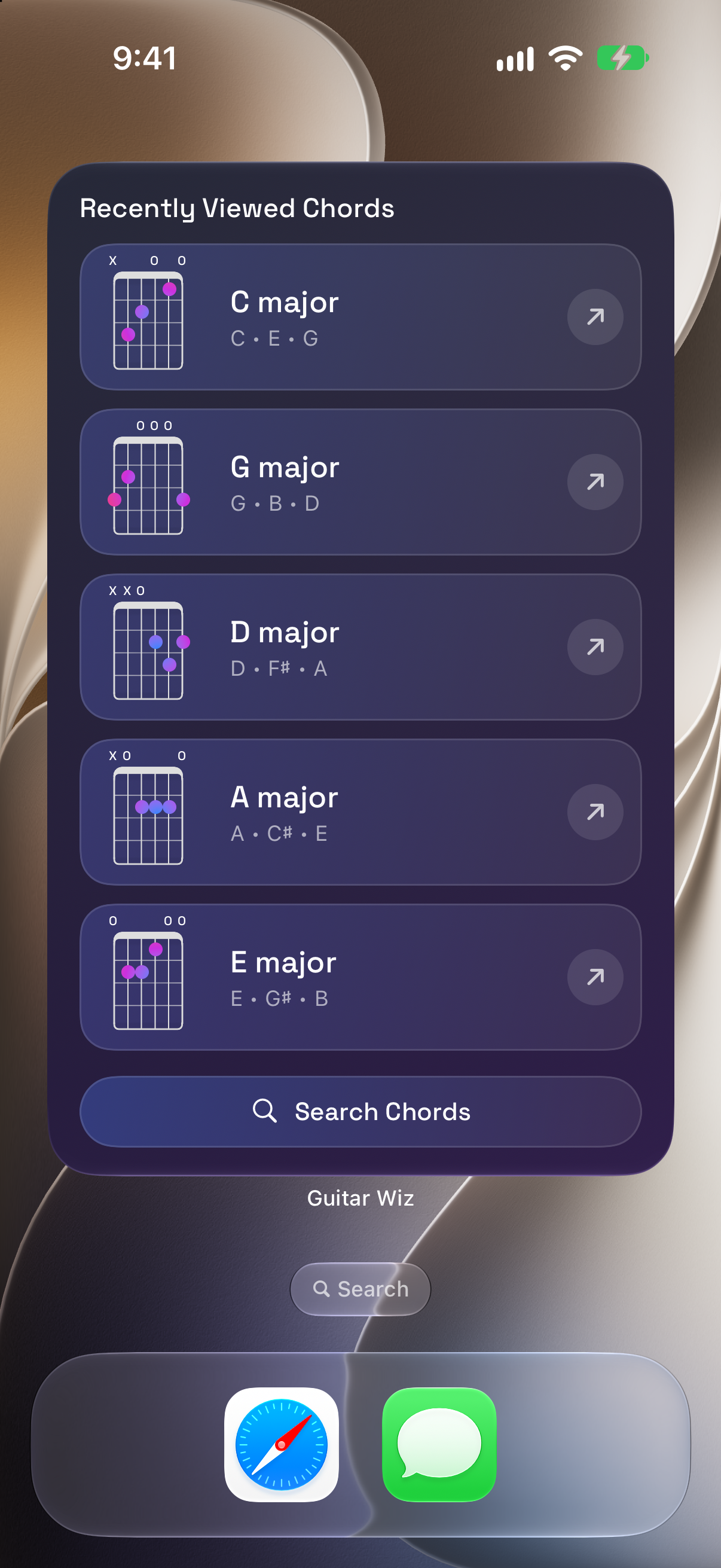
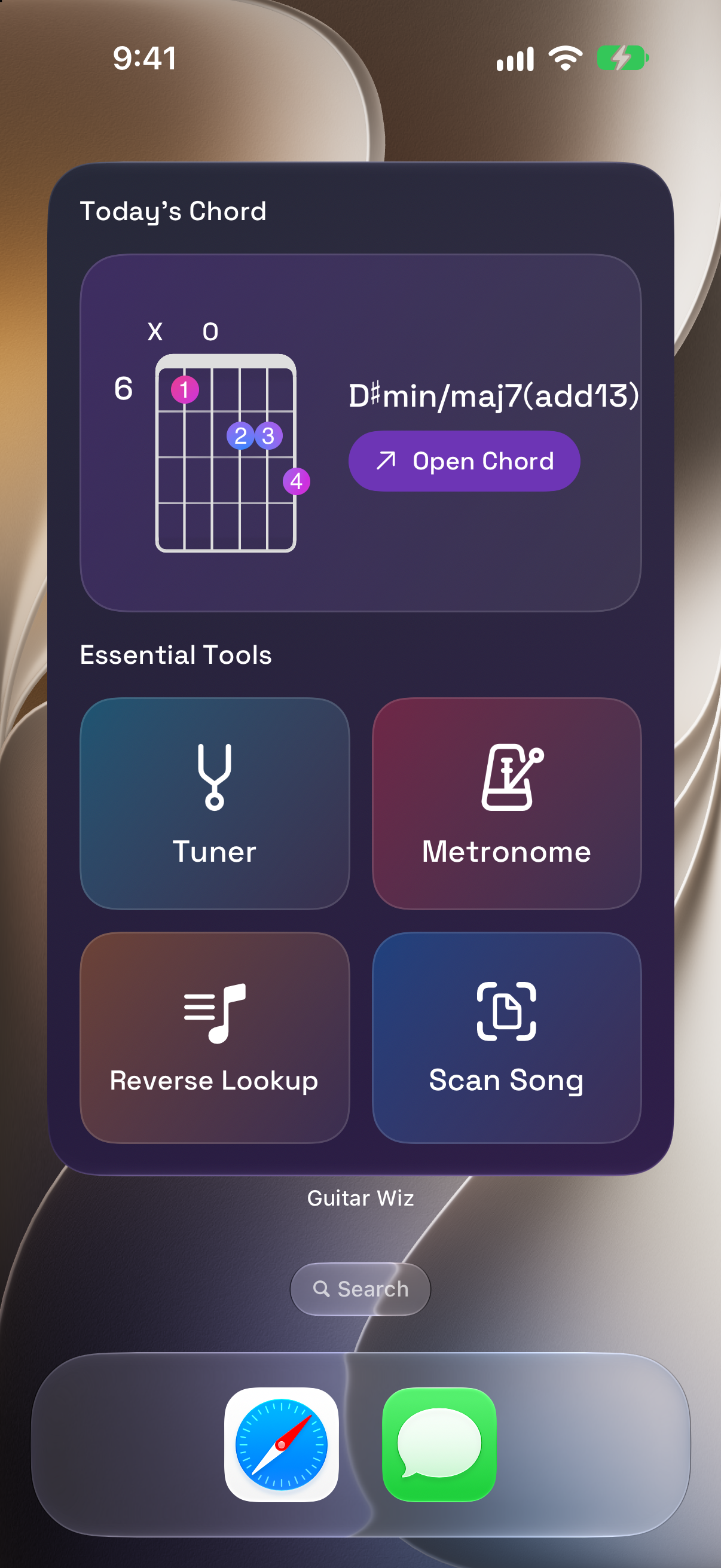
Extra Large widgets provide more visible content on supported Home Screen layouts. The screenshots show English app content; available sizes and placement depend on the device and system configuration.
Keep collections and the metronome close
Use a daily chord widget for a small learning prompt, a collection widget for a group of shapes, or a metronome widget when timing practice is your most frequent task. Combine the widgets that serve your routine rather than filling the screen with every option.
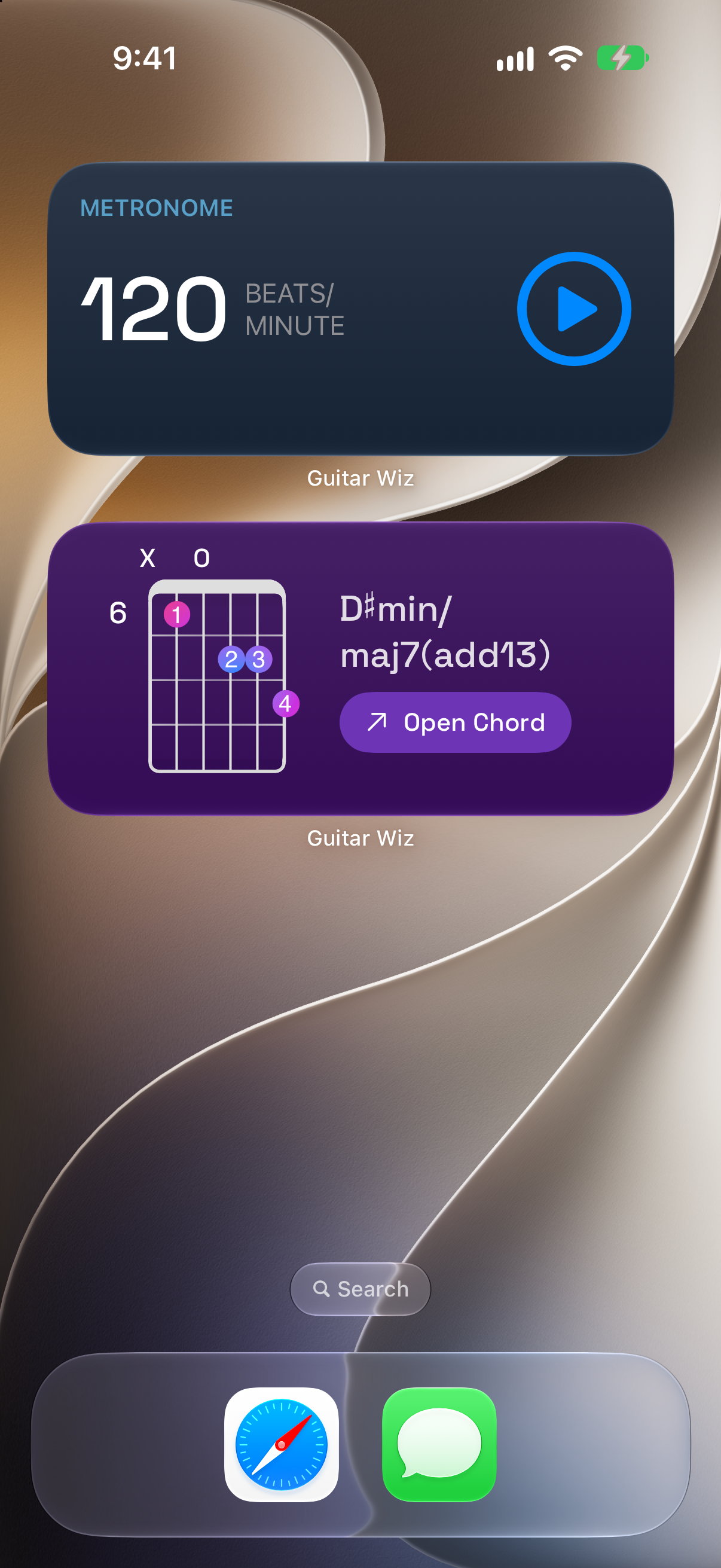
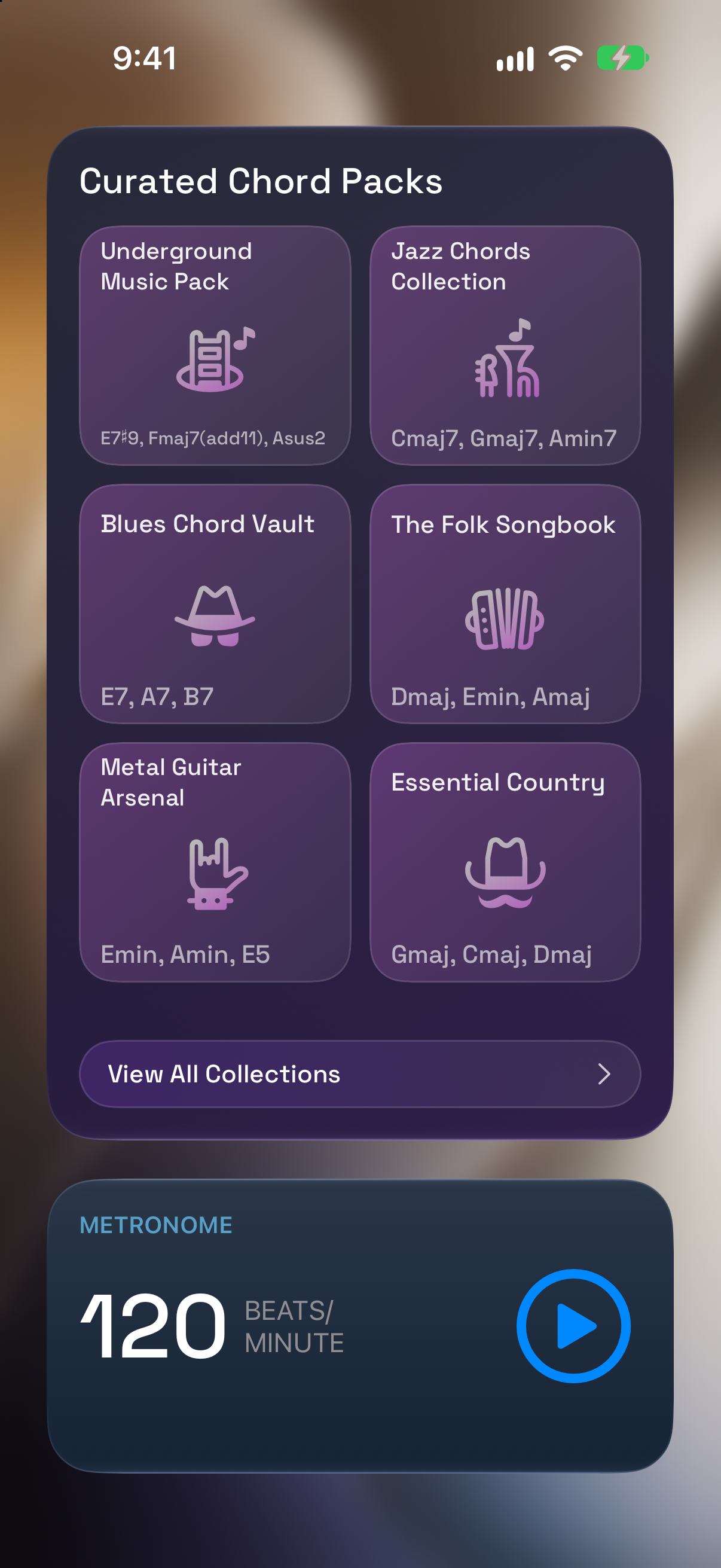
Open a Chord Collection when you want a focused practice set, or start the Metronome before switching back to a diagram. Widgets are entry points and controls for those tools; the full app provides the detailed editing and exploration views.
Control an active metronome from Dynamic Island
When the metronome is running, a Live Activity provides access to the active session from supported system surfaces. On an iPhone with Dynamic Island, the expanded view shows the tempo, beat and subdivision settings, and a stop control.
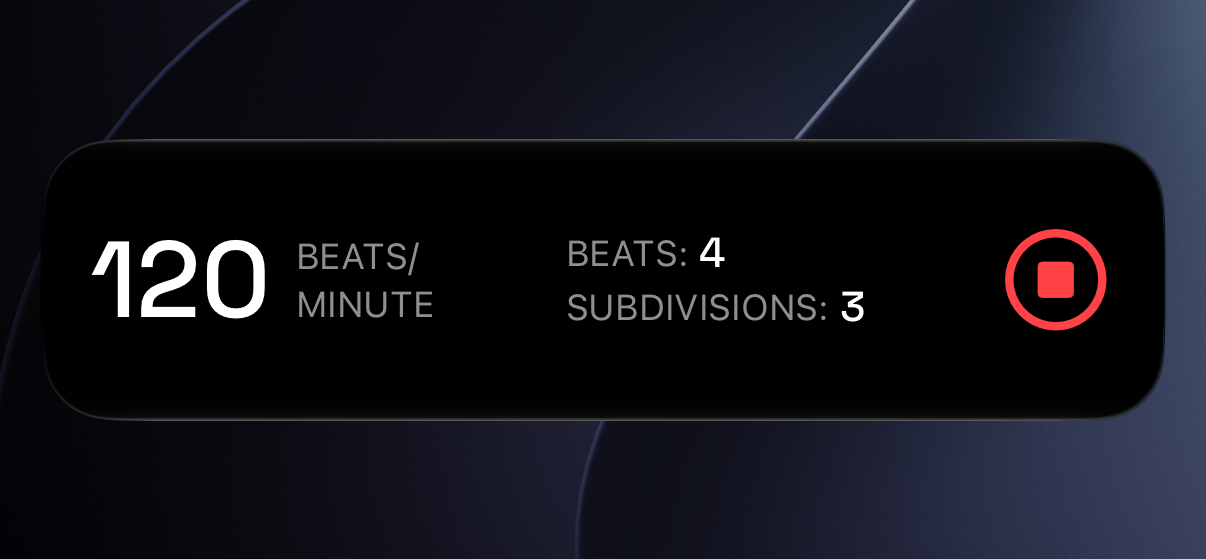
You can also follow the metronome through its Lock Screen Live Activity. This is useful when your phone is on a stand and you want to manage the beat without returning to the main app screen.
Add a widget that fits your routine
Enter Home Screen editing, open the widget gallery, find Guitar Wiz, and choose an available widget size. Select a layout you can read comfortably from your practice position. For a wrist-based alternative, explore the Apple Watch app.

