
Guitar Tuner & Metronome for Apple Watch
Tune your guitar, start a metronome, and check Chord of the Day on Apple Watch. Reach Guitar Wiz tools with complications and Siri.
Guitar Wiz brings essential guitar tools to Apple Watch, including a microphone-based tuner, metronome, and Chord of the Day. The watch app lets you make a quick tuning check or follow a practice tempo without reaching for your iPhone.
Tune a guitar from your wrist
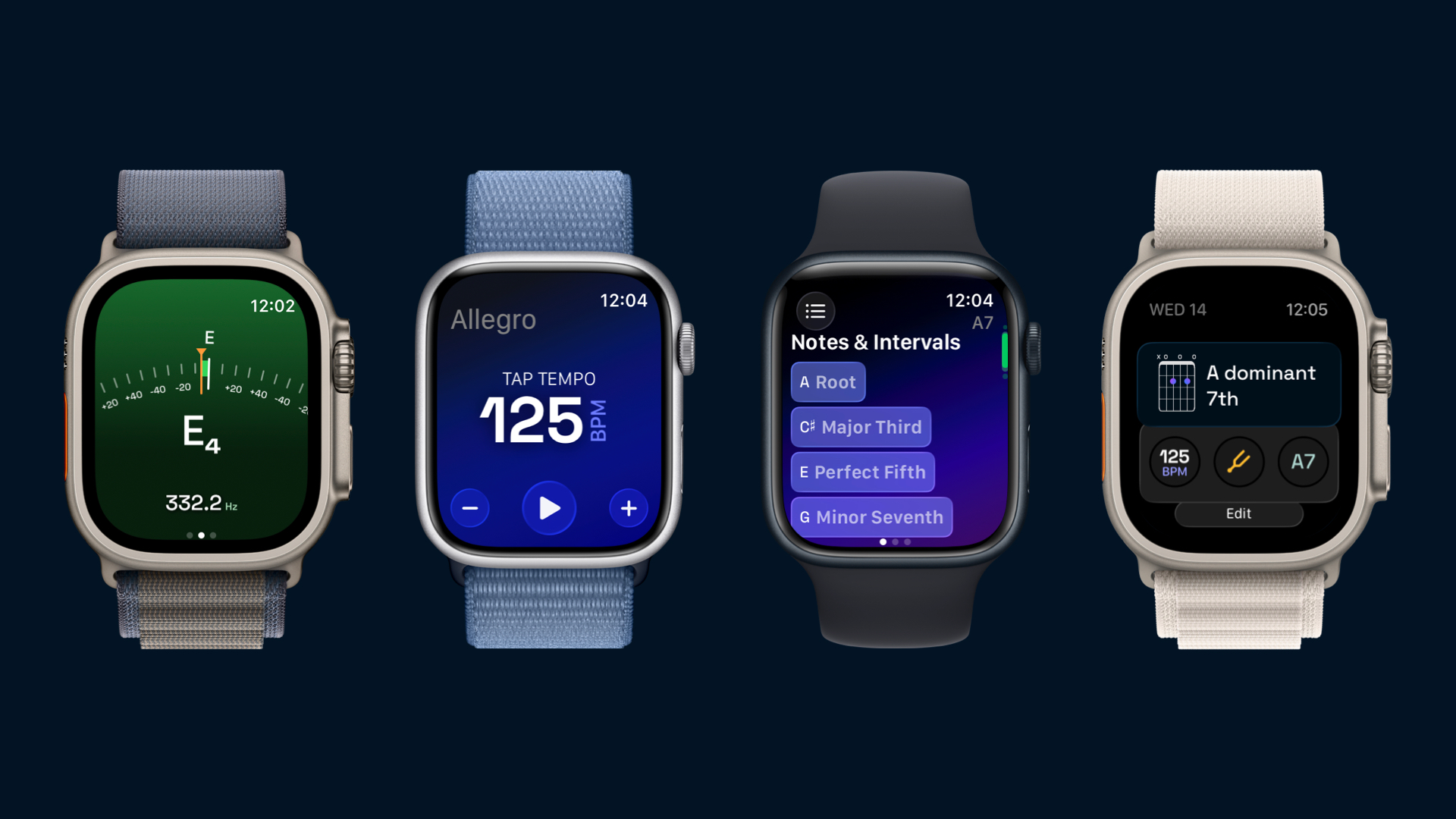
Open the Tuner on Apple Watch and play one string at a time. The watch microphone listens to the note and the display shows the pitch information you need to adjust the string. Keep nearby sound low and give each note time to settle before making another adjustment.
For installation, microphone permissions, and a string-by-string walkthrough, read How to Tune a Guitar with Apple Watch.
Practice with the Apple Watch metronome
Set a tempo on the watch and start the metronome for a short rhythm exercise or chord-change session. The watch app runs its tuner and metronome independently, so those core tools do not require the iPhone app to remain open alongside them.
Try making one chord change every four beats at a comfortable tempo. Keep the rhythm even before increasing the speed. For more practice ideas, see the main guitar metronome guide.
Check the daily chord
Chord of the Day gives you a chord to explore from your wrist. Inspect its diagram and sound, then continue with the larger chord library on iPhone, iPad, or Mac when you want more room for notes, intervals, and alternative positions.
Reach tools with complications and Siri
Guitar Wiz supports Apple Watch complications and Siri entry points to make frequently used tools easier to reach. Keep a shortcut on a watch face that you use during practice, or use Siri when reaching for a small control would interrupt your playing.
The watch is particularly useful for short checks between songs. A larger device remains helpful for arranging a Song Maker track, comparing many chord shapes, or reading a scanned chord chart.

